

How to enable classic controls in GTA 6
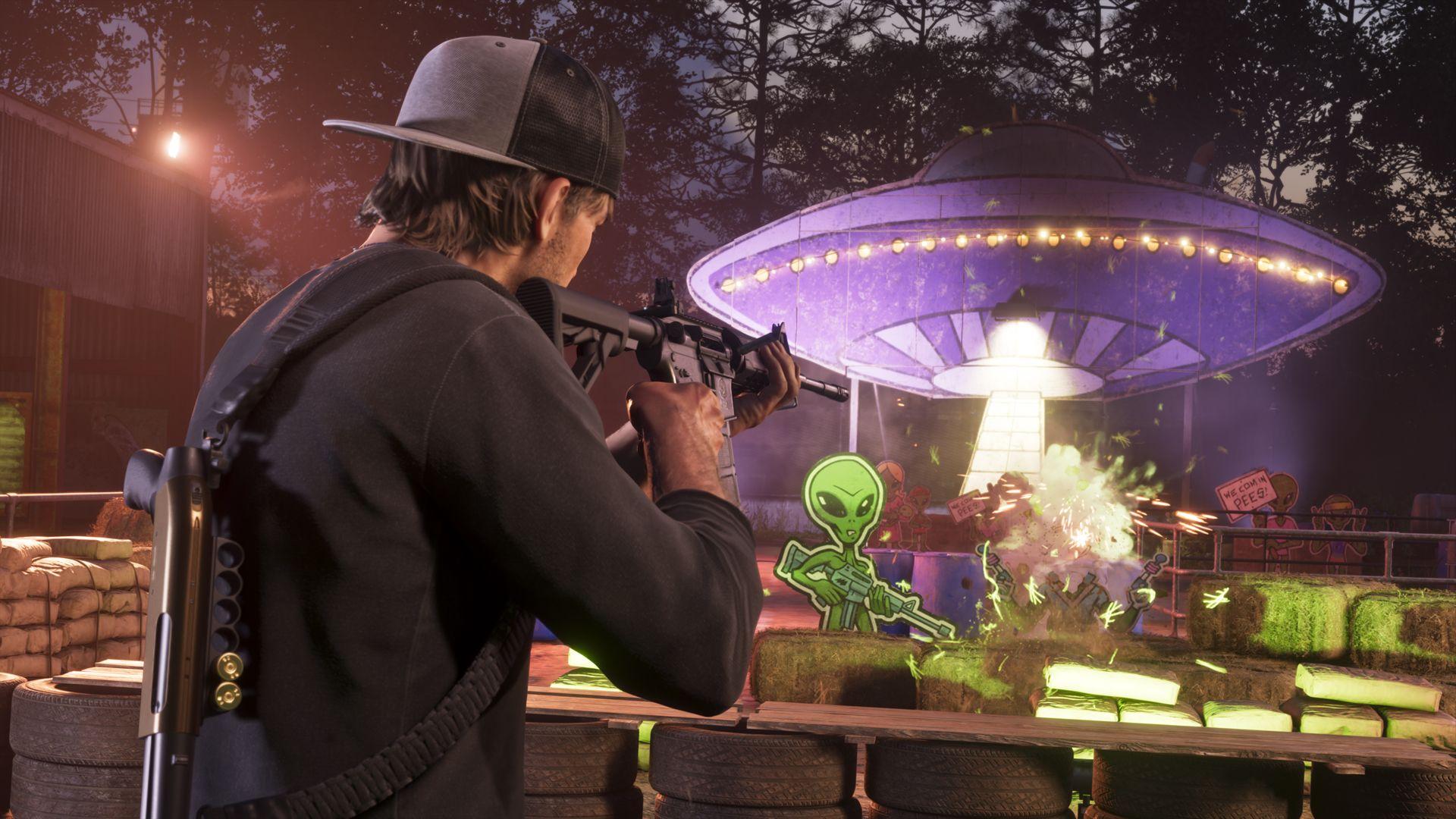
Longtime fans who have spent the better part of two console generations cruising across Southern San Andreas may face an unexpected learning curve when stepping into Rockstar Games' next chapter. Decades of ingrained motor habits are being challenged by an overhaul to the franchise's fundamental input layout, but players looking for familiar hand positioning will not be left behind. The studio has implemented an alternate legacy configuration within the system menus, ensuring that those reluctant to abandon the button cadence established over previous releases can quickly revert to what they know best.
Under the updated baseline setup, conventional movement mechanics have finally been overhauled, according to reporting from GamesRadar. Rather than requiring users to rapidly tap the primary face button—Cross on PlayStation or A on Xbox—standard sprinting is mapped to depressing the left analog stick (L3 or LS), bringing the franchise into closer alignment with contemporary third-person action titles. That primary face button has subsequently been repurposed for jumping, while hand-to-hand combat strikes have migrated over to Square or X. Navigating to the controller settings tab allows players to toggle back to the classic profile, immediately restoring the traditional layout for anyone who finds the new layout disorienting.
The mechanical refresh extends beyond raw locomotion into how information is presented on screen. Rockstar has embraced an uncluttered dynamic heads-up display that strips non-essential telemetry away from view, requiring users to press down on the directional pad to summon vital data such as the mini-map, personal financial tallies, and meters monitoring health, stamina, and focus. GamesRadar also notes that this contextual approach influences how players manage navigation—relying on directional inputs in tandem with the shoulder bumpers to cycle through nearby objectives—as well as how they initiate conversations with bystanders directly from the driver's seat.
These interface adjustments arrive as anticipation continues to mount for the blockbuster's projected 2026 debut on PlayStation 5 and Xbox Series X|S. Serving as the first mainline entry in the catalog since Grand Theft Auto V arrived in autumn 2013, the production bears the weight of extraordinary commercial and artistic expectations. Placing dual protagonists Jason and Lucia at the heart of a sprawling narrative across an expanded interpretation of Vice City and the broader state of Leonida, the project demands a degree of moment-to-moment immersion that an unobtrusive visual display and fluid navigation are deliberately crafted to support.
From a design standpoint, offering a classic input toggle highlights a delicate tightrope walk for both Rockstar and parent company Take-Two Interactive. Hammering a face button merely to run has felt mechanically antiquated for well over a decade, yet severing ties with it entirely risked alienating a loyal player base whose muscle memory was cemented across thirteen uninterrupted years of GTA Online. Providing a direct bridge between modern ergonomic standards and legacy habits neutralizes a potential barrier to entry without diluting the modernization of the game's core feel. For an enterprise carrying unmatched expectations, accommodating entrenched habits while dragging core controls into the modern era is a pragmatic and necessary compromise.